
Enterprise AI Integration Checklist
Treat integrations as part of the product, not plumbing added at the end
Use this worksheet Complete, copy or print
Enterprise AI Integration Worksheet
Record your answers below. Draft recovery uses this browser on this device. Clear it when you finish, especially on a shared device.
An AI workflow becomes operational only when it can safely access the right data, use the right tools, respect system permissions, handle failures, and leave an auditable trail. Use this checklist before implementation planning.
Enterprise AI Integration Checklist
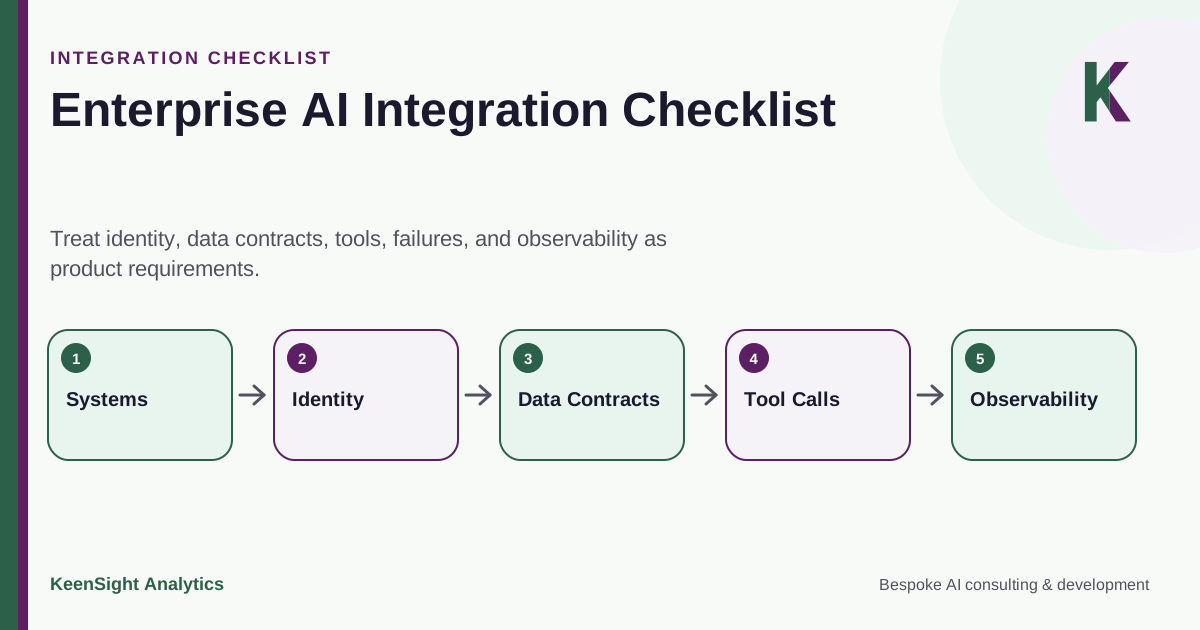
Treat identity, data contracts, tools, failures, and observability as product requirements.
- Systems
- Identity
- Data Contracts
- Tool Calls
- Observability
Integration Checklist
1. System inventory
List every source and destination system involved in the workflow: CRM, ERP, ticketing, email, file storage, data warehouse, document management, knowledge systems, collaboration tools, and internal applications.
2. Interface inventory
For each system, document supported APIs, webhooks, queues, database access, file exchange, SDKs, and any approved screen-level automation. Record rate limits, pagination, payload limits, and sandbox availability where relevant.
3. Identity and authentication
Determine whether the workflow uses service accounts, OAuth, API keys, workload identity, delegated user access, or another mechanism. Prefer scoped identities that can be rotated and monitored.
4. Authorization
Separate what the agent needs to read from what it may create, update, send, approve, or delete. Avoid granting broad write access simply because the integration makes it easy.
5. Data contracts
Define required fields, identifiers, formats, validation rules, source-of-truth systems, and how conflicting records are handled. Model output should not silently redefine enterprise data semantics.
6. Idempotency and duplicate handling
Decide how repeated events, retries, timeouts, and partial failures are recognized so the workflow does not create duplicate tickets, messages, records, or financial transactions.
7. Failure modes
Document behavior for authentication failures, rate limits, unavailable APIs, malformed responses, stale data, timeouts, and downstream rejection. Define bounded retries and escalation queues.
8. Observability
Track workflow state, tool calls, latency, failures, retries, exceptions, and human interventions at a level appropriate to the process. Keep sensitive data out of logs unless it is genuinely needed.
9. Environment separation
Use appropriate development, test, staging, and production credentials and endpoints. Avoid validating a new agent against live write-enabled production systems when safer test environments are available.
10. Change management
Identify who owns API changes, schema changes, permissions, credentials, source data, and business rules. Integrations degrade when their dependencies evolve without coordinated testing.
Use the findings to review your AI technology strategy across the systems and operating responsibilities involved.
Architecture Principles
API First Where Practical
Prefer stable machine interfaces over fragile screen interaction when suitable APIs are available.
Least Privilege
Give each workflow only the data and actions required for its defined role.
Explicit Sources of Truth
Know which system wins when data differs across CRM, ERP, warehouse, or operational tools.
Idempotent Actions
Design retries so a temporary failure does not create duplicate business actions.
Safe Failure
Queue, retry within limits, or escalate instead of inventing workarounds when dependencies fail.
Observable Operations
Make it possible to diagnose what the workflow did without exposing unnecessary sensitive data.
Map the Integrations Before Building the Agent
KeenSight can help identify system boundaries, credentials, data contracts, failure paths, and test environments before solution design is locked in.
Continue with practical guidance
- AI Agent Architecture: Graph Workflows, Loops, Tools, and Control
Design AI agents with explicit graphs, bounded loops, narrow tools, durable business state, review controls, and outcome-based evaluation.
- Private AI Architecture: How to Build a Secure Enterprise AI Stack
Design a private enterprise AI stack with identity, ingestion, retrieval, model serving, action controls, evaluation, retention, and tested recovery.
- From AI Pilot to Production: Architecture, Evaluation, and Operating Requirements
Move an AI pilot into production with a defined scope, reliable integrations, evaluation, review, recovery, monitoring, rollout, and operating handoff.